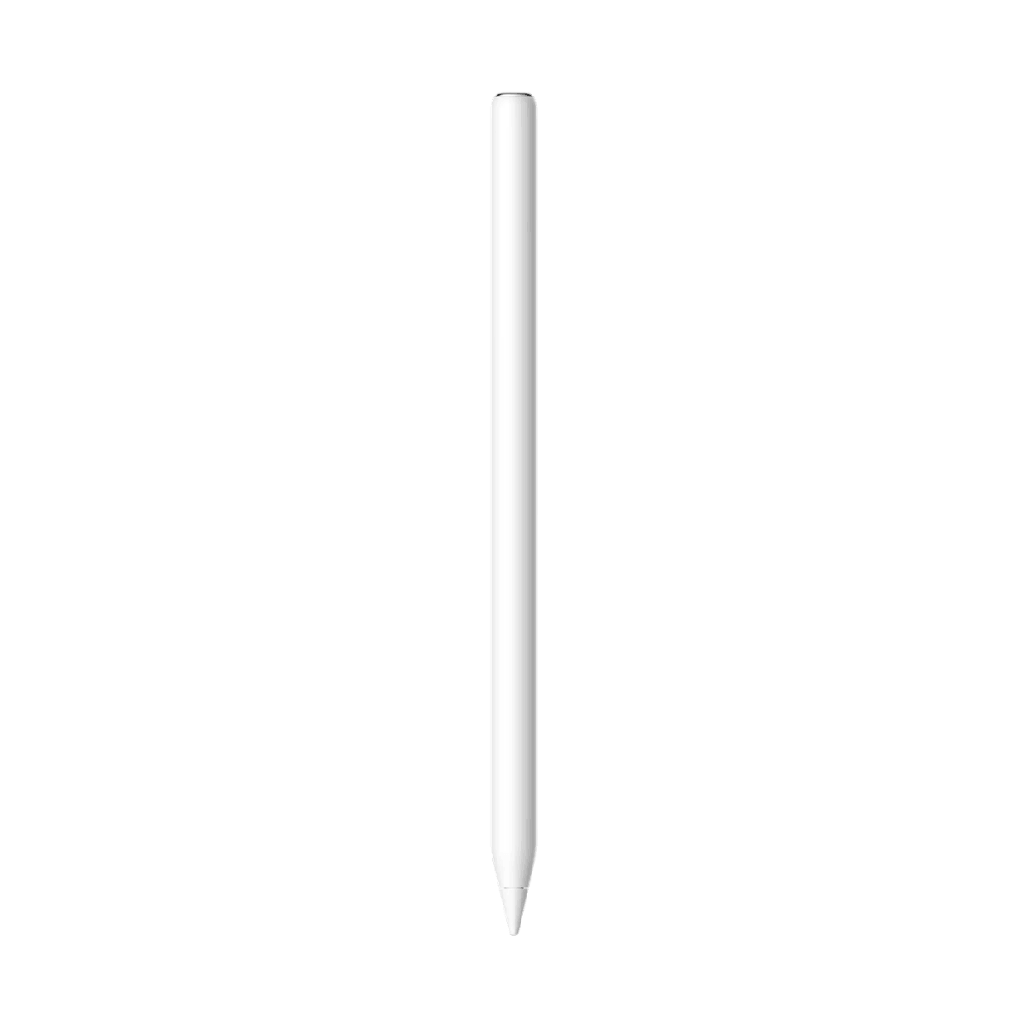
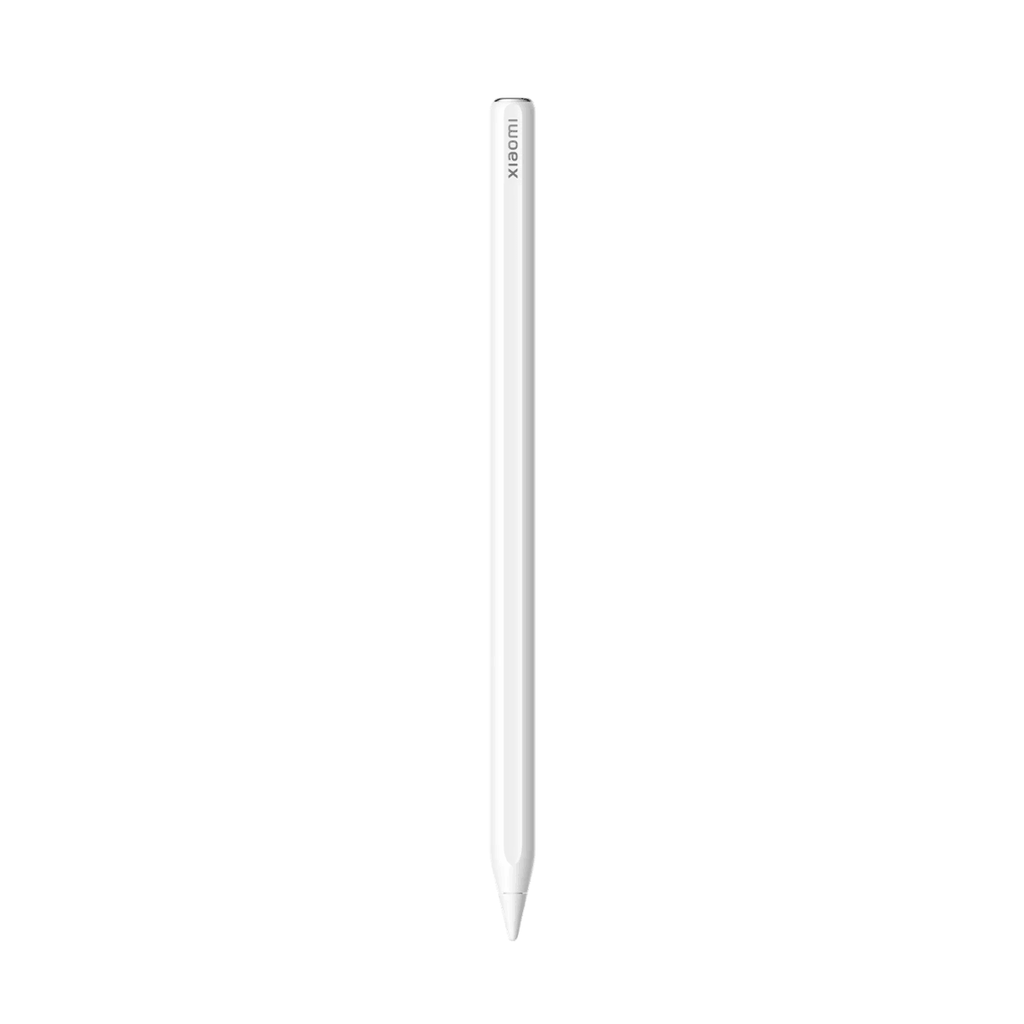
Xiaomi Focus Pen Pro:
- Pressure sensitivity of 16384 levels
- 240 Hz touch sampling rate
- 3 ms latency
- Five adjustable pressure settings
- 100 mAh battery capacity
- Flexible tip that protects the screen
- Strong magnetic attachment


Xiaomi Focus Pen Pro White (White)
Xiaomi Focus Pen Pro
Place the pen, ignite the genius
Integrated design without buttons
The sleek, buttonless body, with its clean, minimalist design and perfect weight balance, ensures a comfortable grip. Every keystroke is smooth, precise, and a pleasure.
Innovative interactions that are intuitive and effortless
Vibration feedback replaces buttons for a smoother, more intuitive experience. Gesture controls include a gentle pinch, double tap, and swipe.
Gentle pinch
In the My Canvas app, lightly pinch the pencil to activate up to four quick functions, such as switching between brush and eraser, showing the color wheel, or configuring the brush.
Haptic feedback
A custom haptic engine provides clear and precise feedback with every gesture. Each interaction receives an instant and intuitive response.
Preview while aiming
In the My Canvas app, when you hold the pen tip over the screen, a preview of the position, brush color, thickness, and shape is displayed.
Double pulse
In the My Canvas app, change tools, brushes, erasers, or colors as you wish with a quick double tap.
Swipe up/down
In the My Canvas app, simply slide the pen up or down to increase or decrease the brush thickness. In full-screen mode, you can remotely turn screens or pages in compatible video and reading apps for hands-free navigation.
Pencil rotation
Rotate the pen in the My Canvas app to control the direction of strokes and create custom styles.
Xiaomi Focus Pen Pro
Place the pen, ignite the genius
Integrated design without buttons
The sleek, buttonless body, with its clean, minimalist design and perfect weight balance, ensures a comfortable grip. Every keystroke is smooth, precise, and a pleasure.
Innovative interactions that are intuitive and effortless
Vibration feedback replaces buttons for a smoother, more intuitive experience. Gesture controls include a gentle pinch, double tap, and swipe.
Gentle pinch
In the My Canvas app, lightly pinch the pencil to activate up to four quick functions, such as switching between brush and eraser, showing the color wheel, or configuring the brush.
Haptic feedback
A custom haptic engine provides clear and precise feedback with every gesture. Each interaction receives an instant and intuitive response.
Preview while aiming
In the My Canvas app, when you hold the pen tip over the screen, a preview of the position, brush color, thickness, and shape is displayed.
Double pulse
In the My Canvas app, change tools, brushes, erasers, or colors as you wish with a quick double tap.
Swipe up/down
In the My Canvas app, simply slide the pen up or down to increase or decrease the brush thickness. In full-screen mode, you can remotely turn screens or pages in compatible video and reading apps for hands-free navigation.
Pencil rotation
Rotate the pen in the My Canvas app to control the direction of strokes and create custom styles.
Specifications
| Información general | |
|---|---|
| Model | Focus Pen Pro |
| Product status | New |
| Diseño y dimensiones | |
|---|---|
| Color | White |
| Dimensions | 160 x 8,8 x 2 mm |
| Weight | 17,5 g |
| Cámara y multimedia | |
|---|---|
| Built-in microphone | Disabled |
| Noise Reduction | Disabled |
| Conectividad y redes | |
|---|---|
| ANT+ | Disabled |
| Batería y carga | |
|---|---|
| Battery capacity | 100 mAh |
| Others | |
|---|---|
| Additional information | <p><strong>Modelos compatibles</strong>: Xiaomi Pad 6S Pro 12.4, Xiaomi Pad 7 ySeries, Xiaomi Pad Mini, Xiaomi Pad 8 Series.</p> |