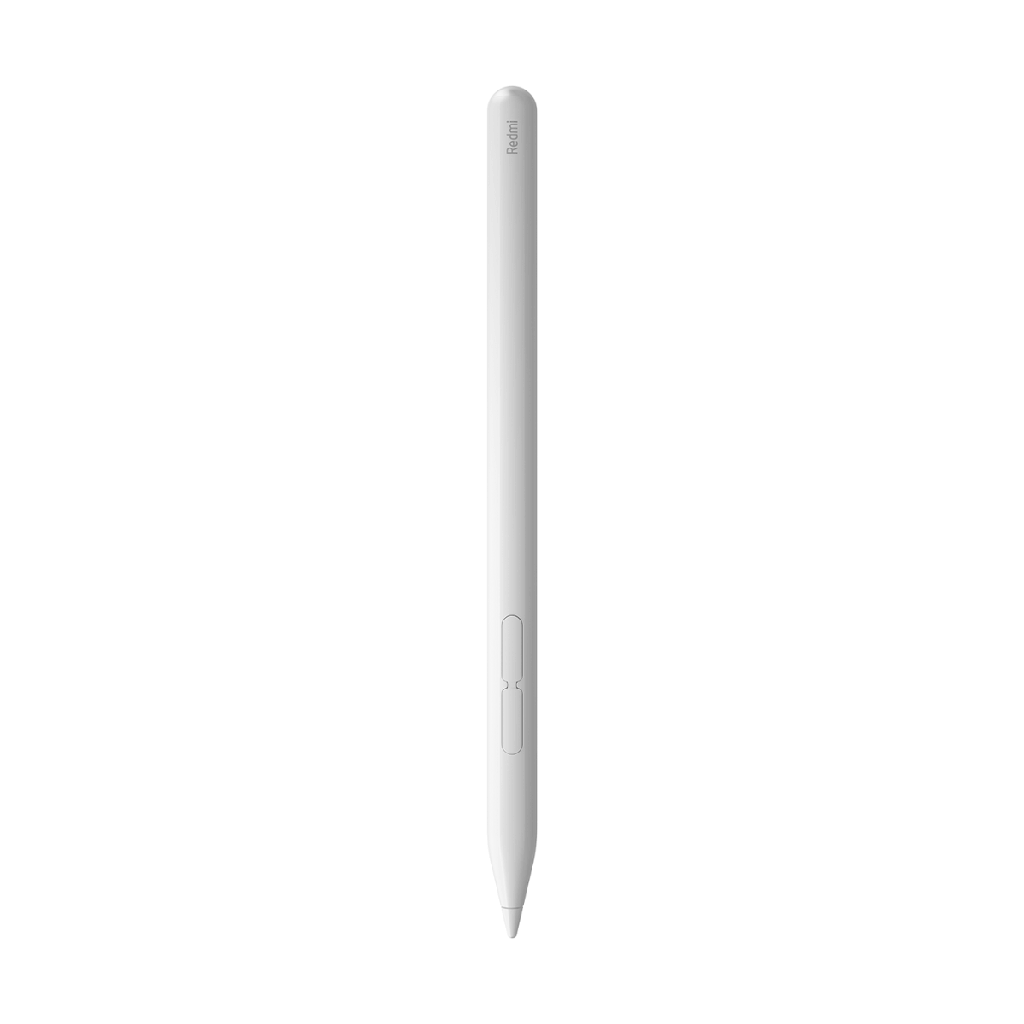
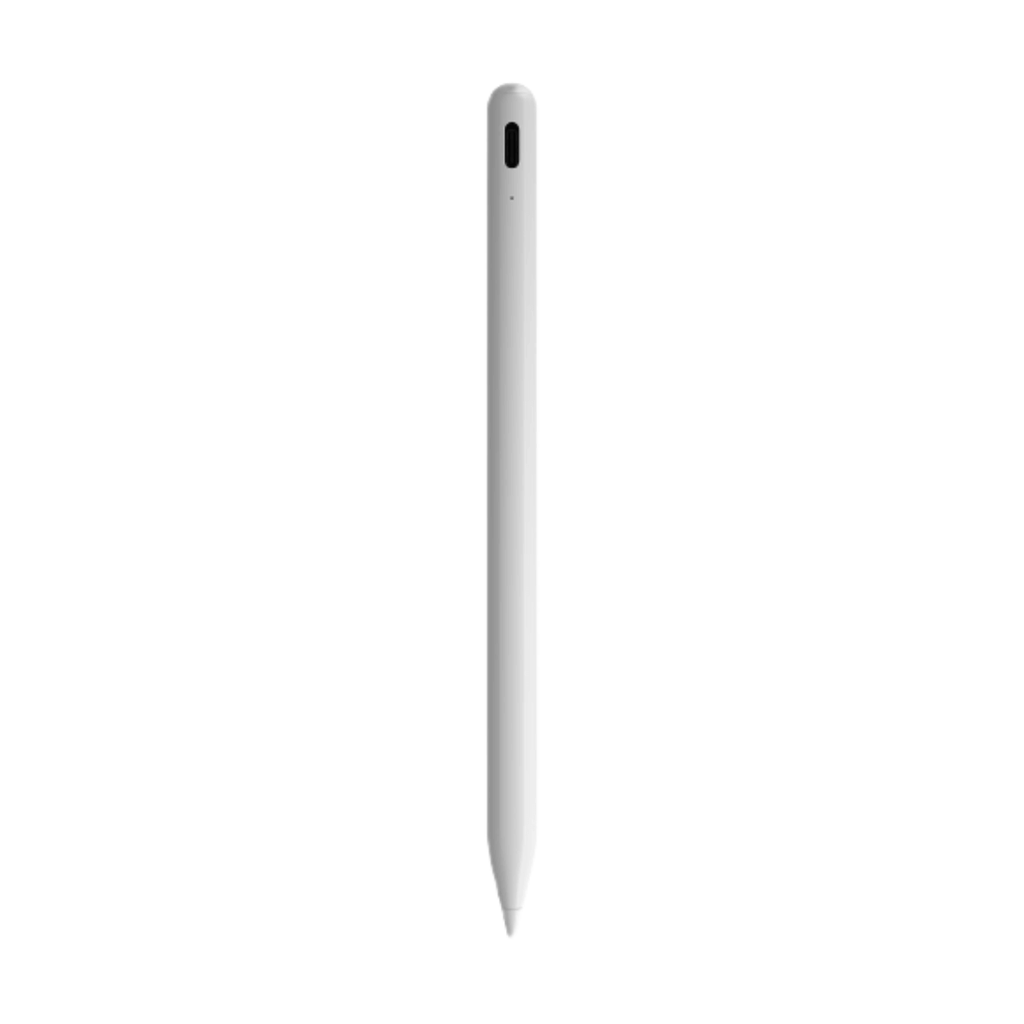
Xiaomi Redmi Smart Pen:
- 4096-level pressure sensitivity
- 240Hz touch sampling rate
- Multifunction shortcut keys
- Compatible with Xiaomi Redmi Pad Pro
- Bluetooth 5.1


Xiaomi Redmi Smart Pen White (White)
Xiaomi Redmi Smart Pen
Unleash your imagination anytime, anywhere
The first Redmi active pen
From a distance, the pencil displays a sophisticated white color, but a closer look reveals bold lines that give it an understated yet elegant look. With an ergonomic grip and twist-open tip, the pencil offers a fluid writing experience , just like using a real pencil.
Ultra-low latency, perfect writing
With ultra-low millisecond latency and 10g activation force delivery sensitivity, the pen reacts precisely to every tiny stroke and pressure change, allowing your creativity to flow on the screen.
Xiaomi's proprietary fluid algorithm and double-end optimization.
Xiaomi's point prediction algorithm | Dual optimization for pen and screen
240Hz touch sampling rate and 120Hz screen refresh rate when typing.
Multifunctional shortcut keys
Press and hold the writing button and tap the screen to open Mi Canvas. Tap the writing button in Mi Canvas to switch brushes.
Press and hold the screenshot button and tap the screen to quickly take a screenshot. Tap the screenshot button on Mi Canvas to change the color.
Press the typing or screenshot button to navigate through documents and articles.
Activate your canvas with simple gestures . Tap the screen with the pen tip when it's off to wake it up and display the canvas in full screen.
Xiaomi Redmi Smart Pen
Unleash your imagination anytime, anywhere
The first Redmi active pen
From a distance, the pencil displays a sophisticated white color, but a closer look reveals bold lines that give it an understated yet elegant look. With an ergonomic grip and twist-open tip, the pencil offers a fluid writing experience , just like using a real pencil.
Ultra-low latency, perfect writing
With ultra-low millisecond latency and 10g activation force delivery sensitivity, the pen reacts precisely to every tiny stroke and pressure change, allowing your creativity to flow on the screen.
Xiaomi's proprietary fluid algorithm and double-end optimization.
Xiaomi's point prediction algorithm | Dual optimization for pen and screen
240Hz touch sampling rate and 120Hz screen refresh rate when typing.
Multifunctional shortcut keys
Press and hold the writing button and tap the screen to open Mi Canvas. Tap the writing button in Mi Canvas to switch brushes.
Press and hold the screenshot button and tap the screen to quickly take a screenshot. Tap the screenshot button on Mi Canvas to change the color.
Press the typing or screenshot button to navigate through documents and articles.
Activate your canvas with simple gestures . Tap the screen with the pen tip when it's off to wake it up and display the canvas in full screen.
Specifications
| Información general | |
|---|---|
| Model | Redmi Smart Pen |
| Product status | New |
| Diseño y dimensiones | |
|---|---|
| Color | White |
| Dimensions | 157 x 9,6 x 2 mm |
| Weight | 12,7 g |
| Cámara y multimedia | |
|---|---|
| Built-in microphone | Disabled |
| Noise Reduction | Disabled |
| Conectividad y redes | |
|---|---|
| ANT+ | Disabled |
| Bluetooth | 5.1 |
| Batería y carga | |
|---|---|
| Others | |
|---|---|
| Additional information | <p><strong>Modelos compatibles</strong>: Xiaomi Redmi Pad Pro</p> <p><strong>Dos botones</strong>: botón de captura de pantalla y botón de escritura.</p> |