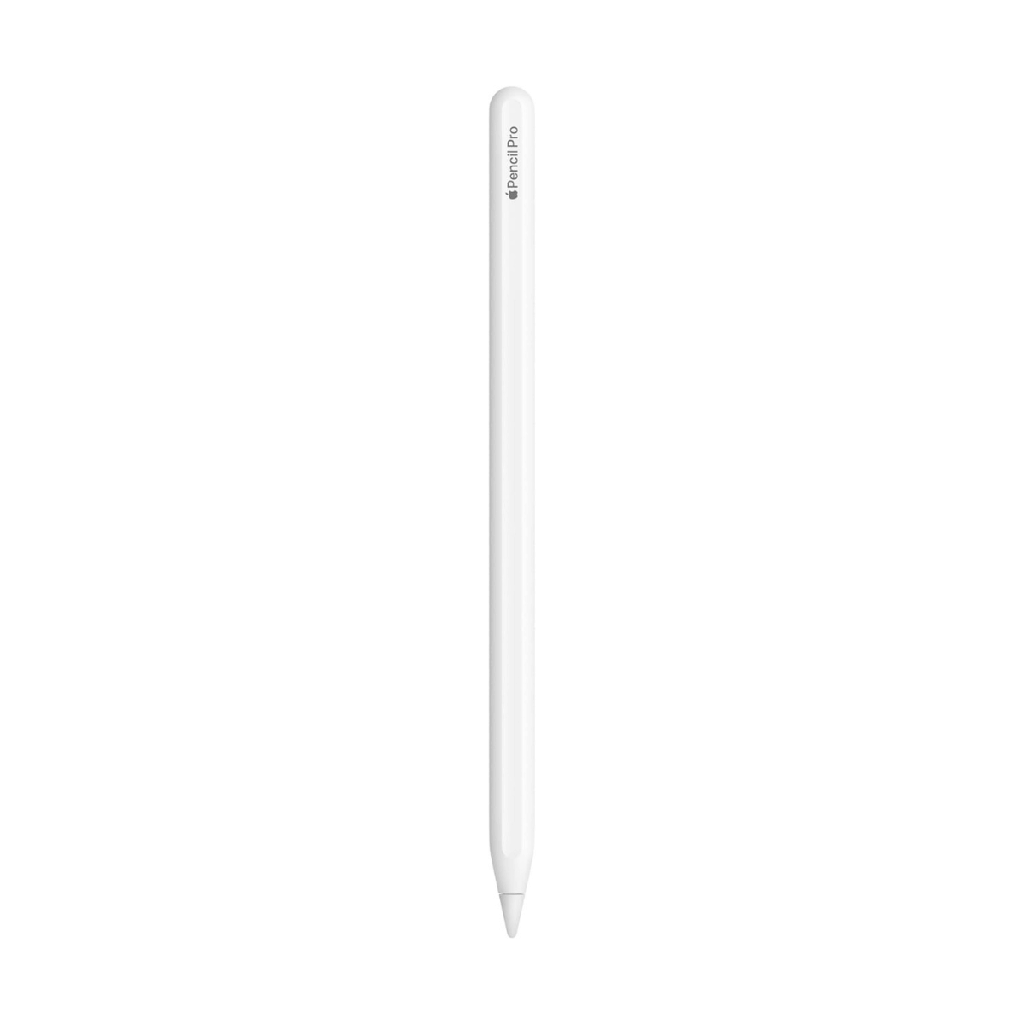
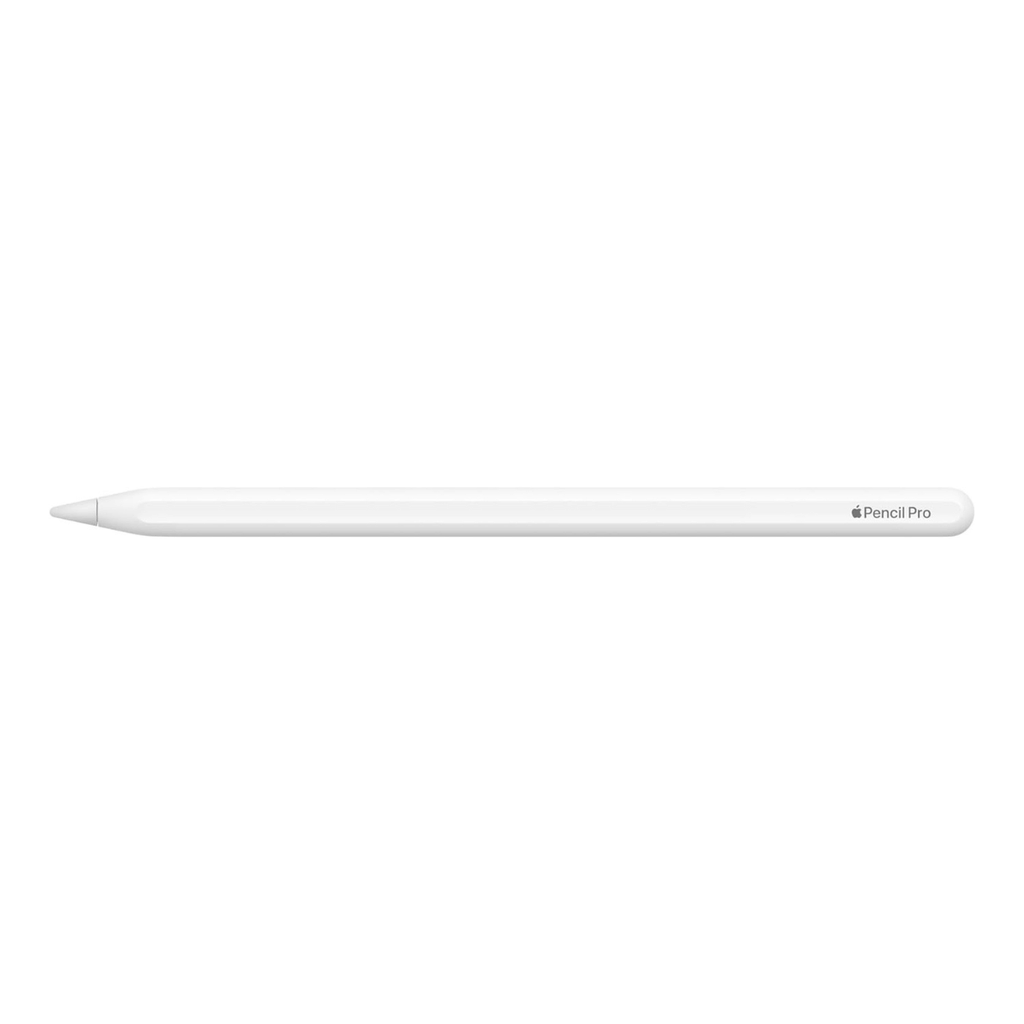
Apple Pencil Pro:
- Tilt Sensitivity
- Floating pointer
- Rotation
- Squeeze gesture
- Double tap
- Haptic feedback
- Magnetic charge
- iPadOS 17.5 or later


Apple Pencil Pro 2024 White (White)
Apple Pencil Pro
Apple Pencil Pro takes your ideas to the next level with even more magical features. You'll be able to annotate, take notes, and unleash your creativity in a more intuitive way.
Squeeze gesture
Apple Pencil Pro senses when you press it and opens a new palette where you can quickly switch between tools, stroke weights, and colors.
Rotation
The new gyroscope lets you rotate Apple Pencil Pro for better control of pen and brush tools.
Haptic feedback
The custom-designed haptic motor gives you precise feedback that you feel instantly—you'll feel a slight vibration when you perform a squeeze or double-tap gesture to confirm the action.
Floating pointer
This feature shows you the exact spot where the Apple Pencil will touch the screen and a virtual shadow of the tool. This way you can write and make sketches or illustrations with maximum precision.
Double tap
This gesture allows you to switch directly from one tool to another, for example, from pencil to eraser.
And if you lose sight of it while you’re out and about or even at home, you can find it right away with the Find My app . Apple Pencil Pro docks, links and charges magnetically on the side of iPad.
Apple Pencil Pro
Apple Pencil Pro takes your ideas to the next level with even more magical features. You'll be able to annotate, take notes, and unleash your creativity in a more intuitive way.
Squeeze gesture
Apple Pencil Pro senses when you press it and opens a new palette where you can quickly switch between tools, stroke weights, and colors.
Rotation
The new gyroscope lets you rotate Apple Pencil Pro for better control of pen and brush tools.
Haptic feedback
The custom-designed haptic motor gives you precise feedback that you feel instantly—you'll feel a slight vibration when you perform a squeeze or double-tap gesture to confirm the action.
Floating pointer
This feature shows you the exact spot where the Apple Pencil will touch the screen and a virtual shadow of the tool. This way you can write and make sketches or illustrations with maximum precision.
Double tap
This gesture allows you to switch directly from one tool to another, for example, from pencil to eraser.
And if you lose sight of it while you’re out and about or even at home, you can find it right away with the Find My app . Apple Pencil Pro docks, links and charges magnetically on the side of iPad.
Specifications
| Información general | |
|---|---|
| Product status | New |
| Diseño y dimensiones | |
|---|---|
| Color | White |
| Dimensions | 166 x 8,9 mm |
| Weight | 19,15 g |
| Cámara y multimedia | |
|---|---|
| Built-in microphone | Disabled |
| Noise Reduction | Disabled |
| Conectividad y redes | |
|---|---|
| ANT+ | Disabled |
| Batería y carga | |
|---|---|
| Others | |
|---|---|
| Brands | Apple |