
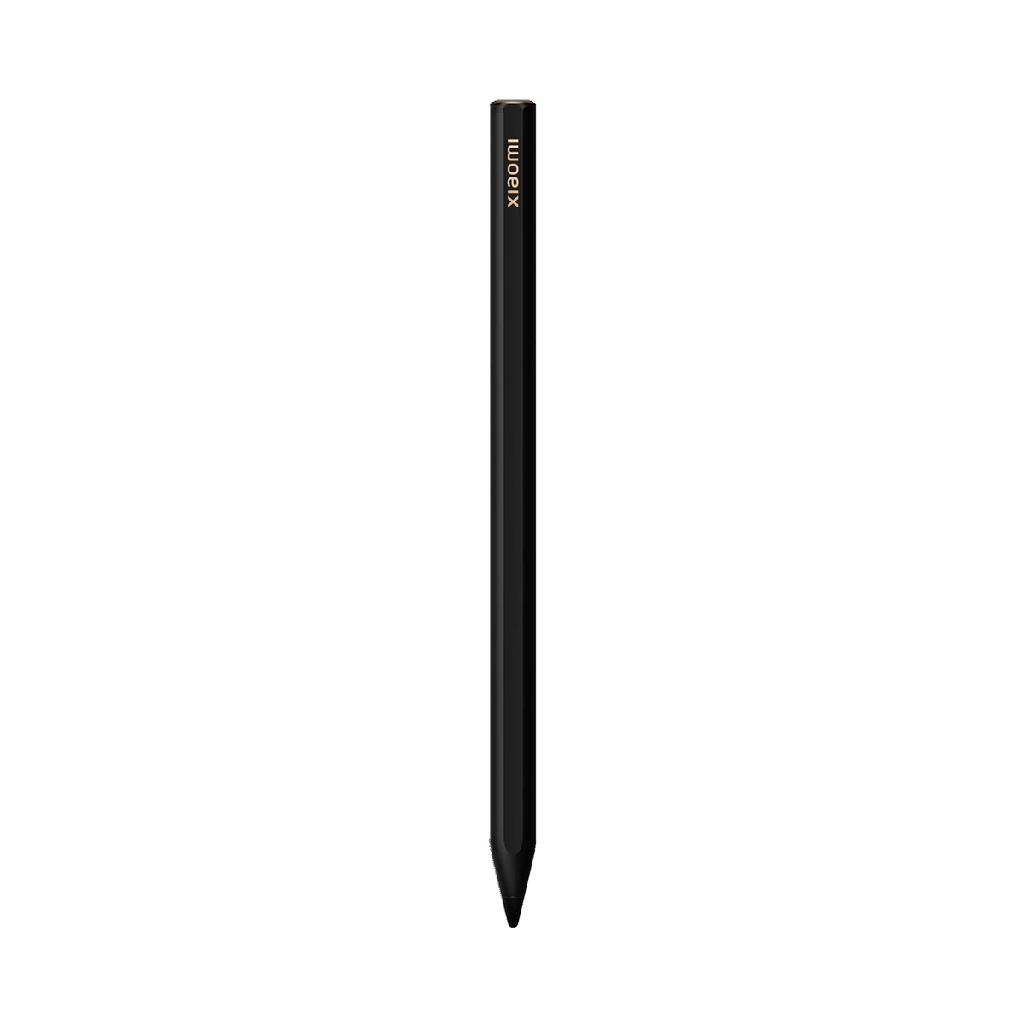

Xiaomi Focus Pen:
- 8192 levels of pressure sensitivity
- 240Hz touch sampling rate
- 3ms latency
- Focus button
- Screenshot button
- Write button
- Compatible with Xiaomi Pad 6S Pro 12.4


Xiaomi Focus Pen
Xiaomi Focus Pen
Easy to write and with an added focus button
Just pick up the pen to write or add more layers to your artwork.
Evaluate the response speed when lifting the pen: just pick it up and start writing. Write with an activation force of 0 g.
8192 levels of pressure sensitivity, 3ms latency
Now changing the line thickness by applying more or less pressure is easier, so you can write and draw with ease.
New multifunction focus button
- Pointer: Press and hold to turn the pen into a virtual laser pointer for even clearer meeting presentations.
- Marker: After clicking to bring up the paintbrush icon, long press to circle and annotate. Double click to immediately clear the screen.
- Shutter: Click to take photos and start or stop recording.
The main and secondary multi-function buttons allow you to perform tedious operations with one hand.
Press and hold the writing button and tap the screen to open My Canvas . Click the writing button to switch between different brushes.
Press and hold the screenshot button and tap the screen to take a full or partial screenshot. Click the screenshot button in My Canvases to switch between your most frequently used colors.
Quality design for a high-end feel
The black and gold design gives off a luxurious feel. In addition, the antibacterial material allows you to hold the pencil for a long time without worrying about the proliferation of bacteria.
Xiaomi Focus Pen
Easy to write and with an added focus button
Just pick up the pen to write or add more layers to your artwork.
Evaluate the response speed when lifting the pen: just pick it up and start writing. Write with an activation force of 0 g.
8192 levels of pressure sensitivity, 3ms latency
Now changing the line thickness by applying more or less pressure is easier, so you can write and draw with ease.
New multifunction focus button
- Pointer: Press and hold to turn the pen into a virtual laser pointer for even clearer meeting presentations.
- Marker: After clicking to bring up the paintbrush icon, long press to circle and annotate. Double click to immediately clear the screen.
- Shutter: Click to take photos and start or stop recording.
The main and secondary multi-function buttons allow you to perform tedious operations with one hand.
Press and hold the writing button and tap the screen to open My Canvas . Click the writing button to switch between different brushes.
Press and hold the screenshot button and tap the screen to take a full or partial screenshot. Click the screenshot button in My Canvases to switch between your most frequently used colors.
Quality design for a high-end feel
The black and gold design gives off a luxurious feel. In addition, the antibacterial material allows you to hold the pencil for a long time without worrying about the proliferation of bacteria.
Specifications
| Información general | |
|---|---|
| Product status | New |
| Diseño y dimensiones | |
|---|---|
| Color | Black |
| Dimensions | 160 x 8,8 mm |
| Weight | 15,6 g |
| Cámara y multimedia | |
|---|---|
| Built-in microphone | Disabled |
| Noise Reduction | Disabled |
| Conectividad y redes | |
|---|---|
| ANT+ | Disabled |
| Batería y carga | |
|---|---|
| Others | |
|---|---|
| Brands | Xiaomi |