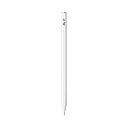
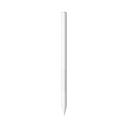
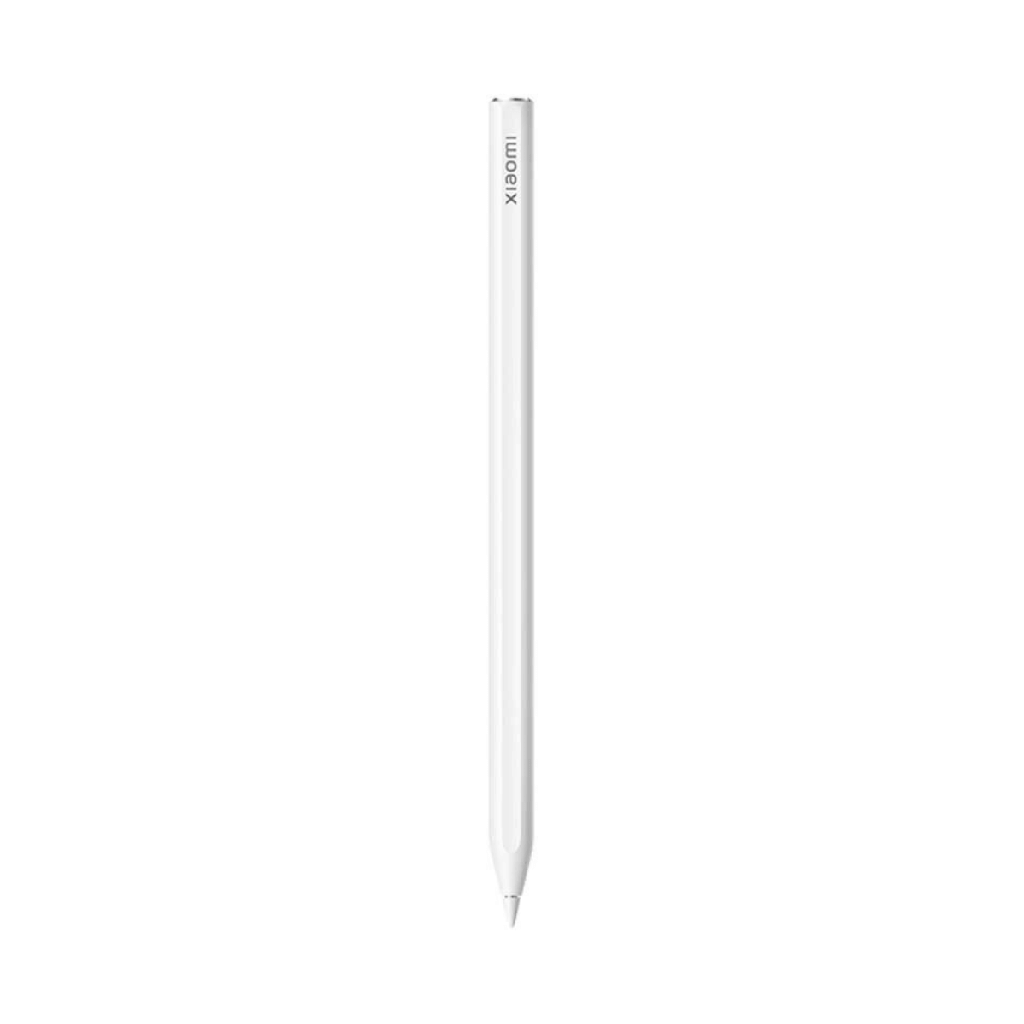
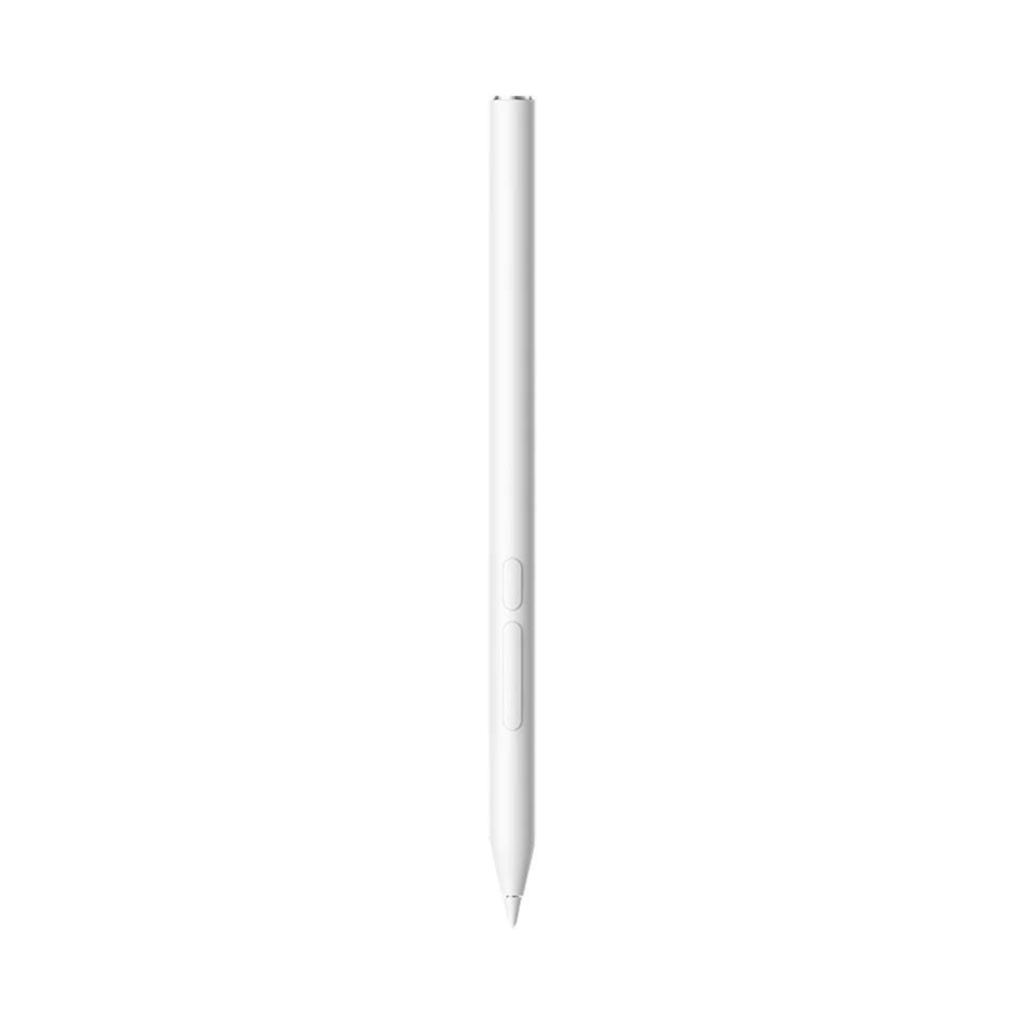
Xiaomi Focus Pen:
- 8192 levels of pressure sensitivity
- 240Hz touch sampling rate
- 3 ms latency
- Focus button
- Screenshot button
- Write button
- Compatible with Xiaomi Pad 6S Pro 12.4


Xiaomi Focus Pen White
Xiaomi Focus Pen
Easy to type and with an added focus button
Just pick up your pencil to write or add more layers to your artwork.
Evaluate the response speed when you lift the pen: just pick it up and start writing. Write with a 0g activation force.
8192 levels of pressure sensitivity, 3 ms latency
Now changing the line thickness by applying more or less pressure is easier, so you can write and draw conveniently.
New multifunction focus button
- Pointer: Press and hold to turn the pen into a virtual laser pointer for even clearer meeting presentations.
- Marker: After clicking to reveal the paintbrush icon, hold it down to circle and annotate. Double-click to immediately clear the screen.
- Shutter: Click to take photos and start or stop recording.
The main and secondary multifunction buttons allow you to perform tedious operations with one hand.
Press and hold the writing button and tap the screen to open My Canvas . Click the writing button to switch between different brushes.
Press and hold the screenshot button and tap the screen to take a full or partial screenshot. Click the screenshot button in Mi Canvas to switch between the colors you use most often.
Quality design for a high-end feel
The black and gold design conveys a luxurious feel. Plus, the antibacterial material allows you to hold the pencil for extended periods without worrying about bacterial growth.
Xiaomi Focus Pen
Easy to type and with an added focus button
Just pick up your pencil to write or add more layers to your artwork.
Evaluate the response speed when you lift the pen: just pick it up and start writing. Write with a 0g activation force.
8192 levels of pressure sensitivity, 3 ms latency
Now changing the line thickness by applying more or less pressure is easier, so you can write and draw conveniently.
New multifunction focus button
- Pointer: Press and hold to turn the pen into a virtual laser pointer for even clearer meeting presentations.
- Marker: After clicking to reveal the paintbrush icon, hold it down to circle and annotate. Double-click to immediately clear the screen.
- Shutter: Click to take photos and start or stop recording.
The main and secondary multifunction buttons allow you to perform tedious operations with one hand.
Press and hold the writing button and tap the screen to open My Canvas . Click the writing button to switch between different brushes.
Press and hold the screenshot button and tap the screen to take a full or partial screenshot. Click the screenshot button in Mi Canvas to switch between the colors you use most often.
Quality design for a high-end feel
The black and gold design conveys a luxurious feel. Plus, the antibacterial material allows you to hold the pencil for extended periods without worrying about bacterial growth.
Specifications
| Información general | |
|---|---|
| Product status | New |
| Diseño y dimensiones | |
|---|---|
| Color | White |
| Dimensions | 160 x 8,8 x 2 mm |
| Weight | 15,6 g |
| Cámara y multimedia | |
|---|---|
| Built-in microphone | Disabled |
| Noise Reduction | Disabled |
| Conectividad y redes | |
|---|---|
| ANT+ | Disabled |
| Batería y carga | |
|---|---|
| Others | |
|---|---|
| Brands | Xiaomi |
| Additional information | <p><strong>Modelos compatibles</strong>: Xiaomi Pad 6S Pro 12.4, Xiaomi Pad 7 y Xiaomi Pad 7 Pro.</p> <p><strong>Tres botones</strong>: botón de foco, botón de captura de pantalla y botón de escritura.</p> |